 Dials
Turn the dials.
A manual camera for iPhone: dials for shutter speed and ISO, film looks live in the viewfinder.
DialsComing soon to the App Store
- One-time purchase, no subscription
- No account
- Processed on the device
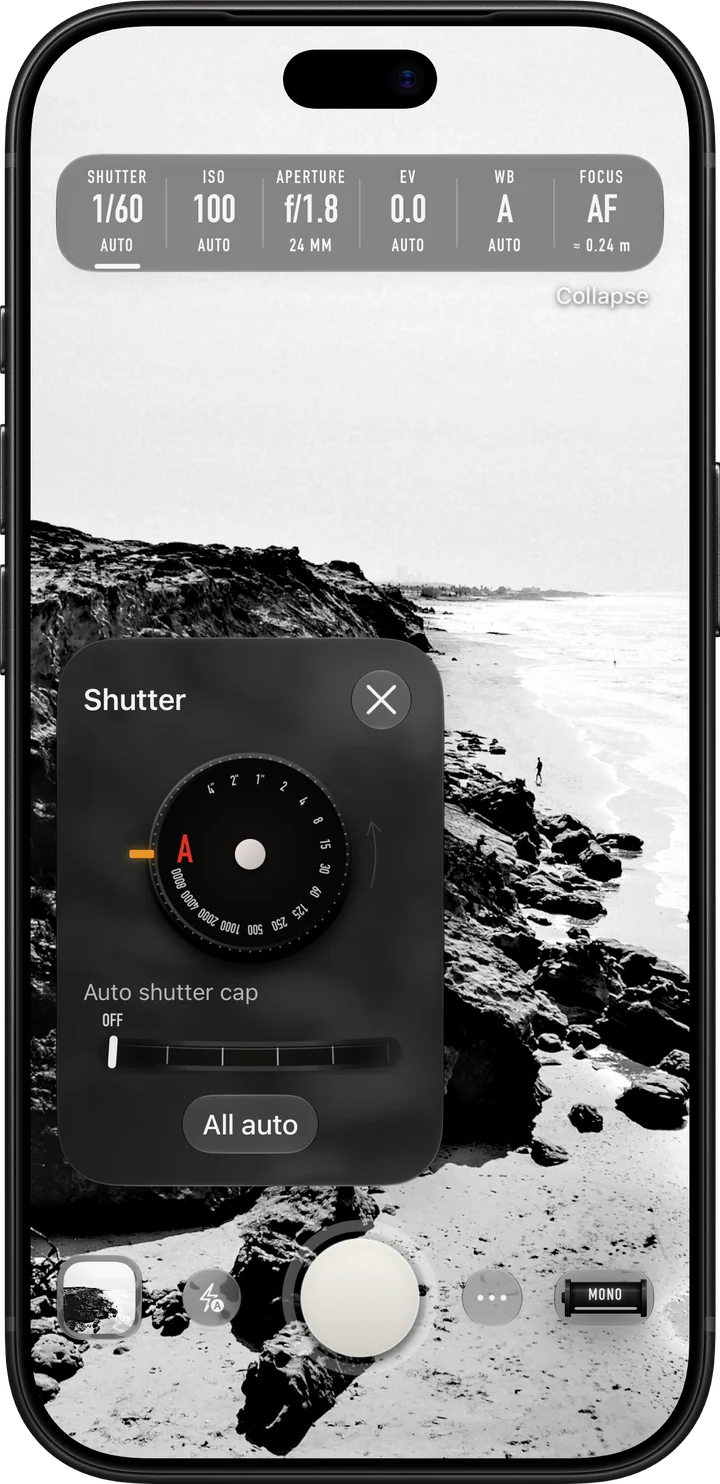
Exposure, by hand.
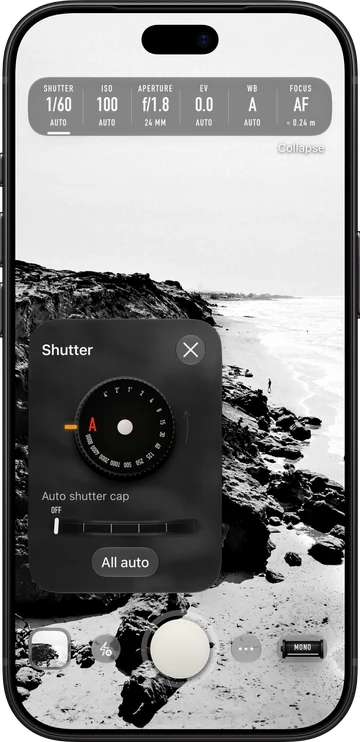
Shutter speed and ISO each have their own dial, with haptic clicks. Turn back to the red “A” and the camera takes over.
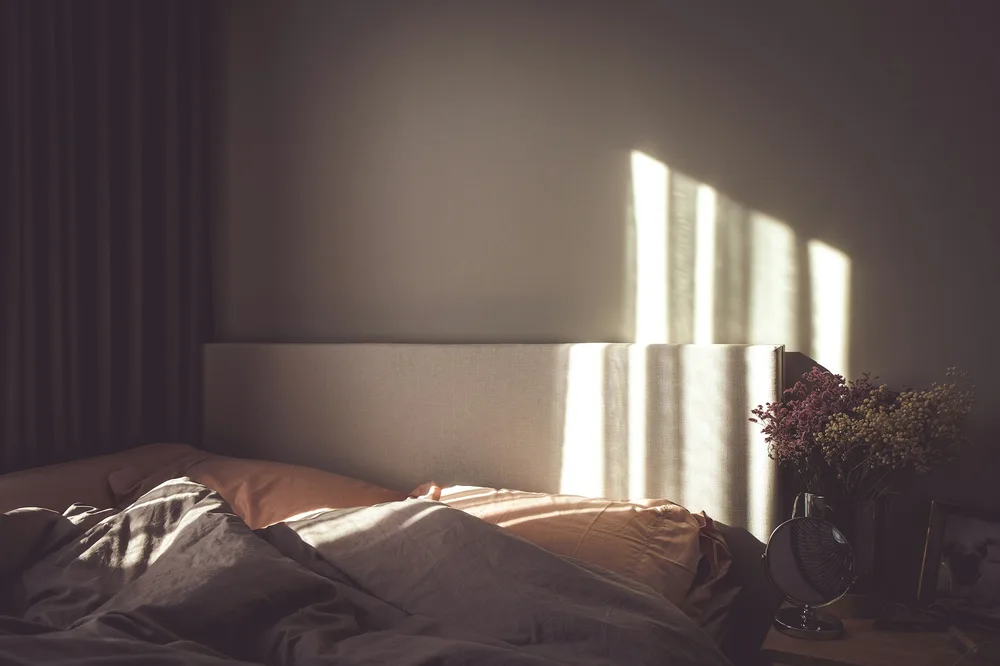
 Reference photo
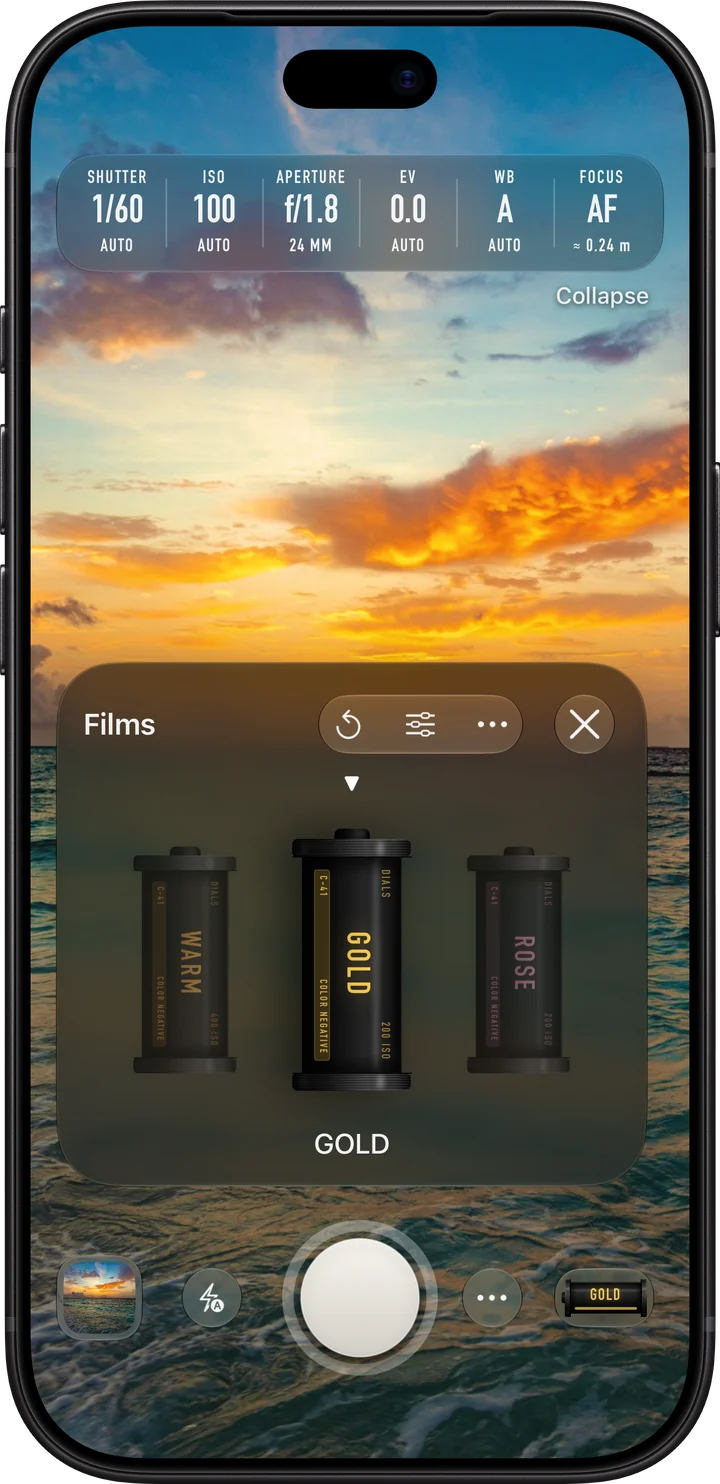
Choose your film.
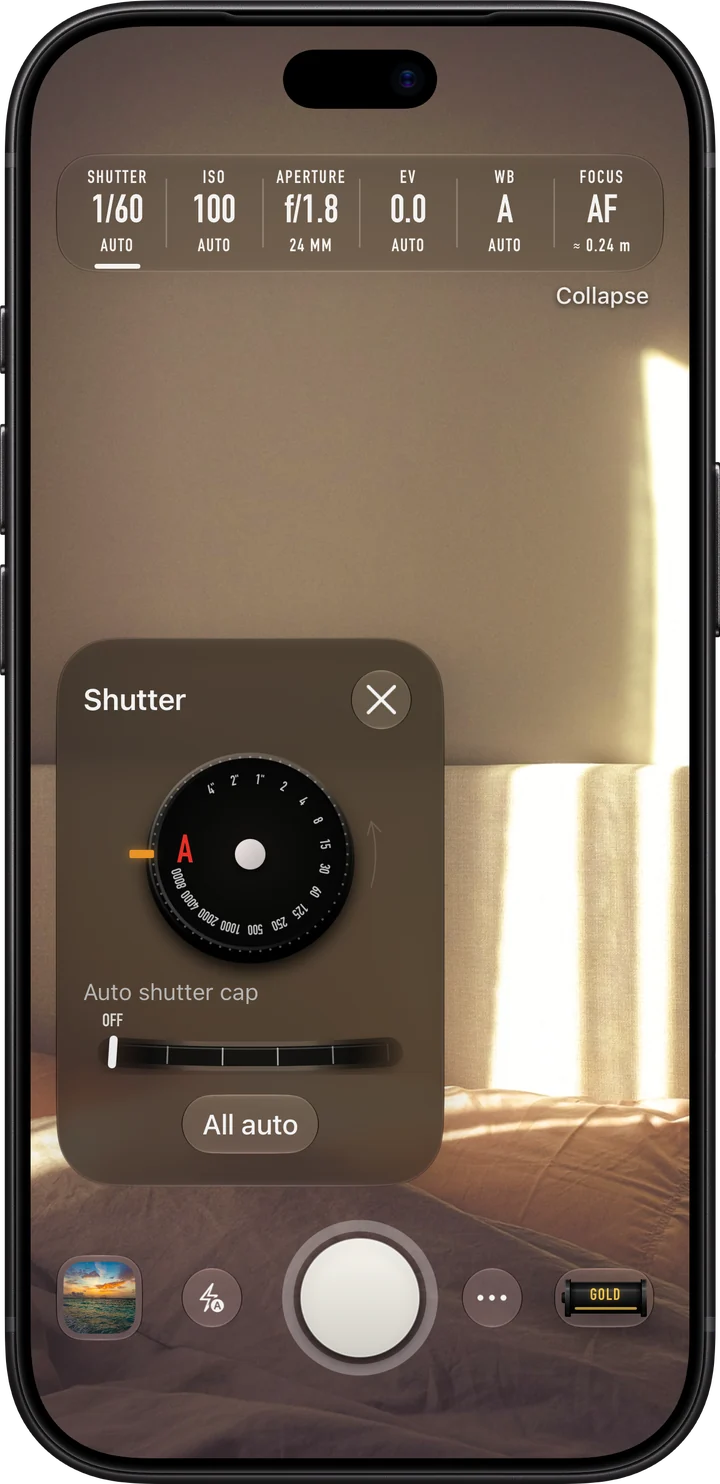
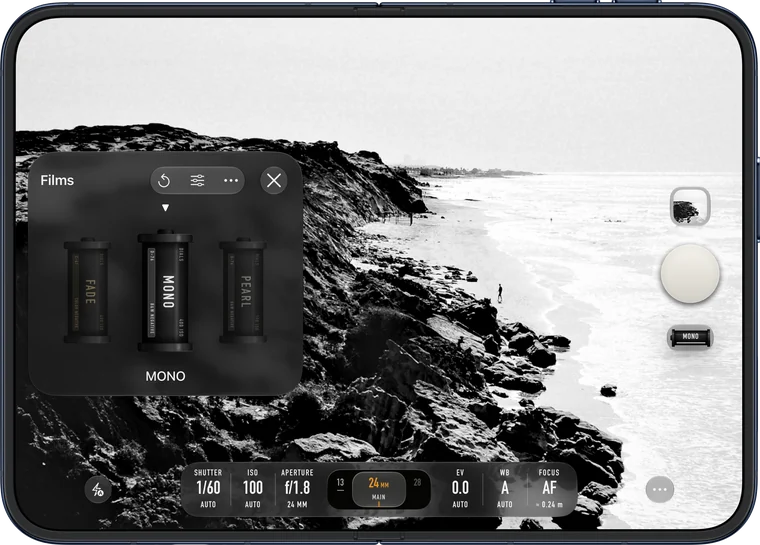
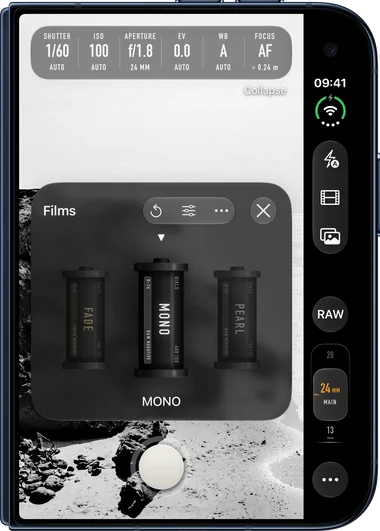
Ten film looks, plus NATIVE, live in the viewfinder. You judge the picture as you frame it.
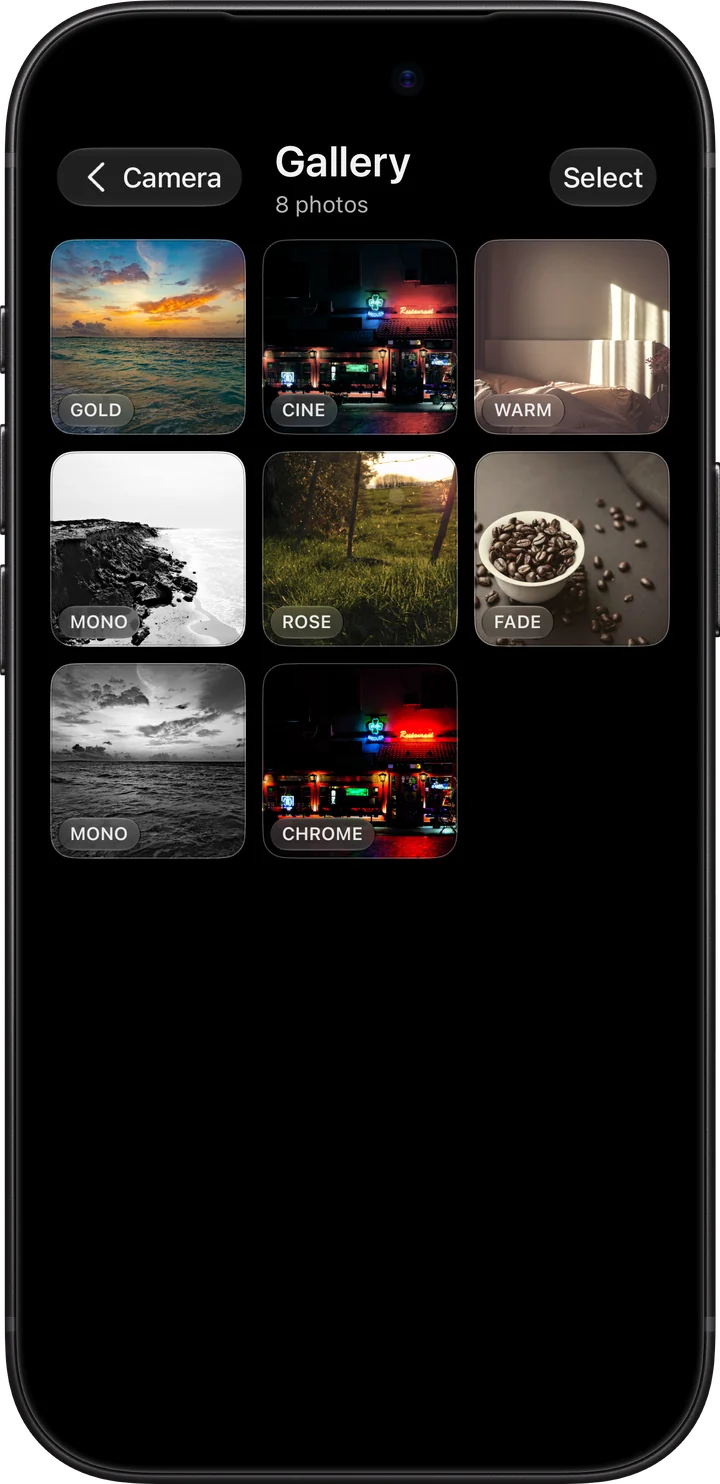
The result, in the gallery.
Each film has its own colour and contrast. Dials applies it as you take the photo, on your iPhone.
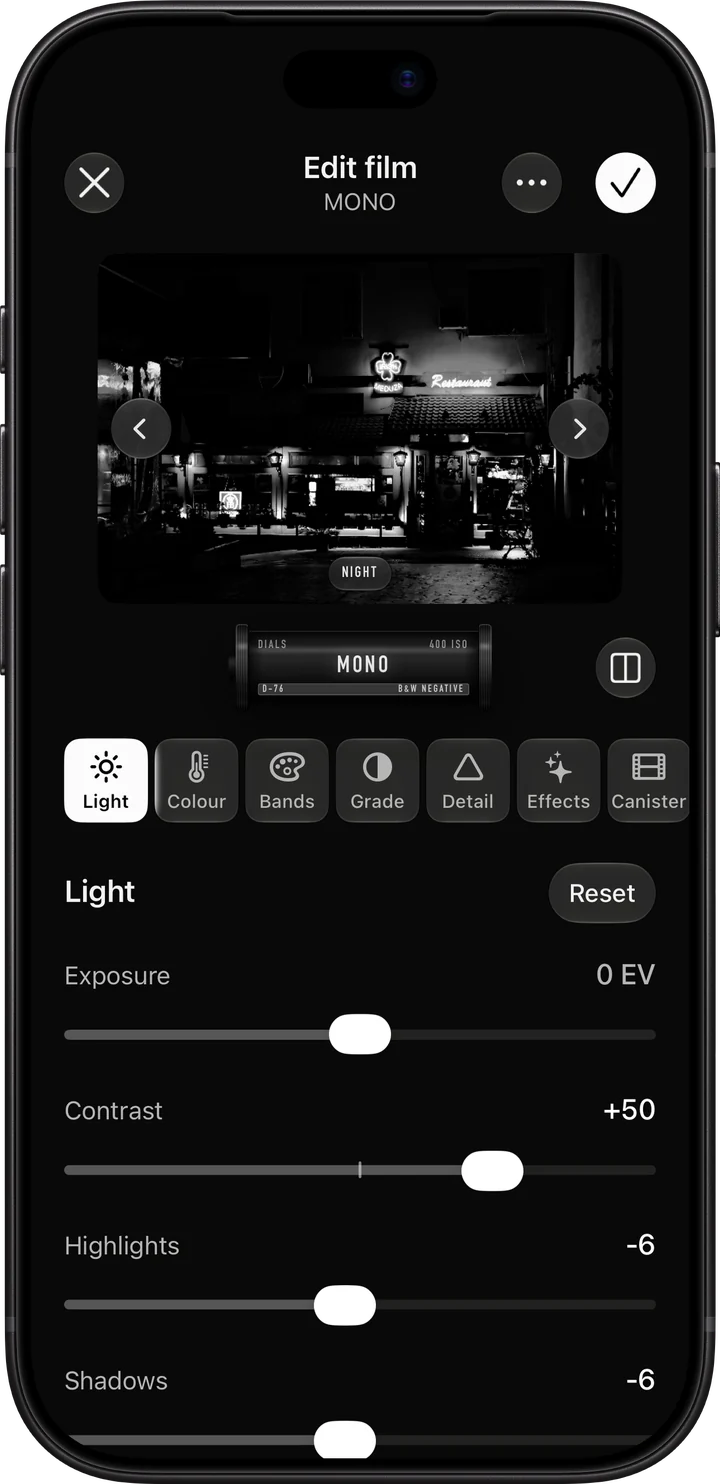
Create your own film.
Adjust light, colour and detail, then judge your film on the reference photos.
On iPhone and iPhone Duo.
Dials adapts to iPhone Duo, folded or open.
iPhone, iOS 27 or later. Some features depend on your iPhone.
Dials
Coming soon to the App Store
- One-time purchase, no subscription
- No account
- Processed on the device