 Emdee
Markdown,
set like a book.
A native reader and editor for Mac, iPad and iPhone. Open a .md file: it becomes a page.
 EmdeeComing soon to the App Store
- One-time purchase, no subscription
- One purchase for Mac, iPad and iPhone
- Your files stay .md
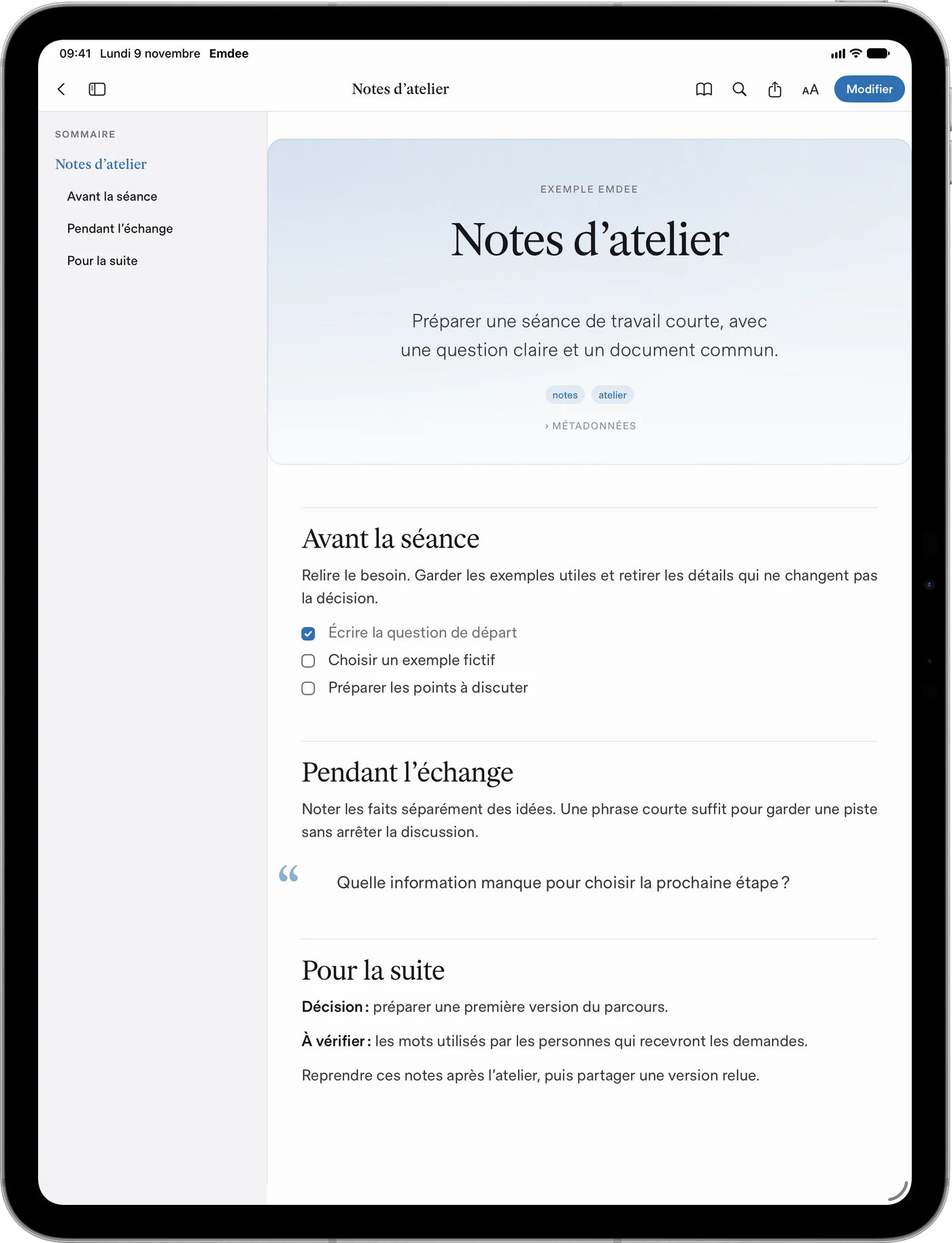
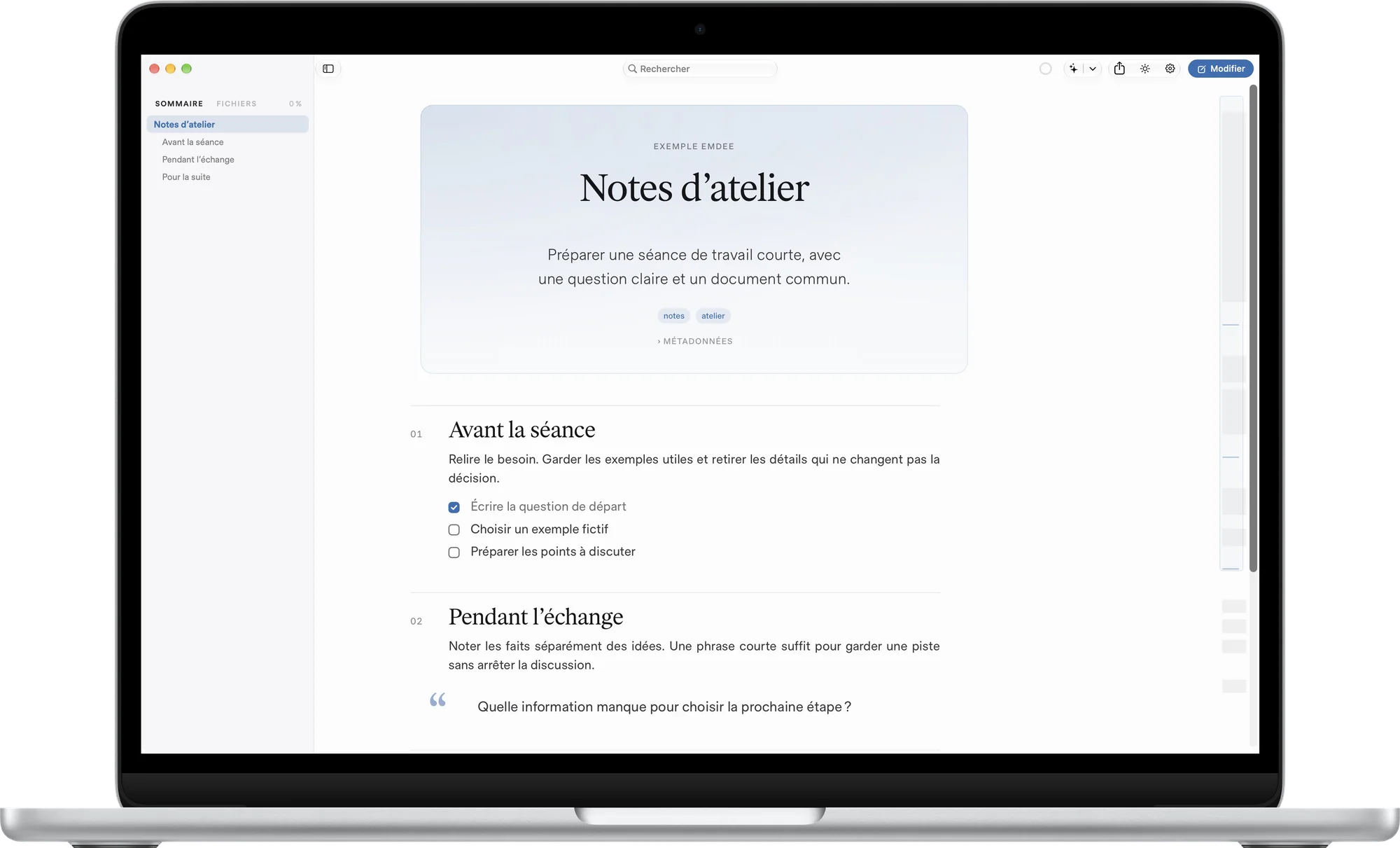
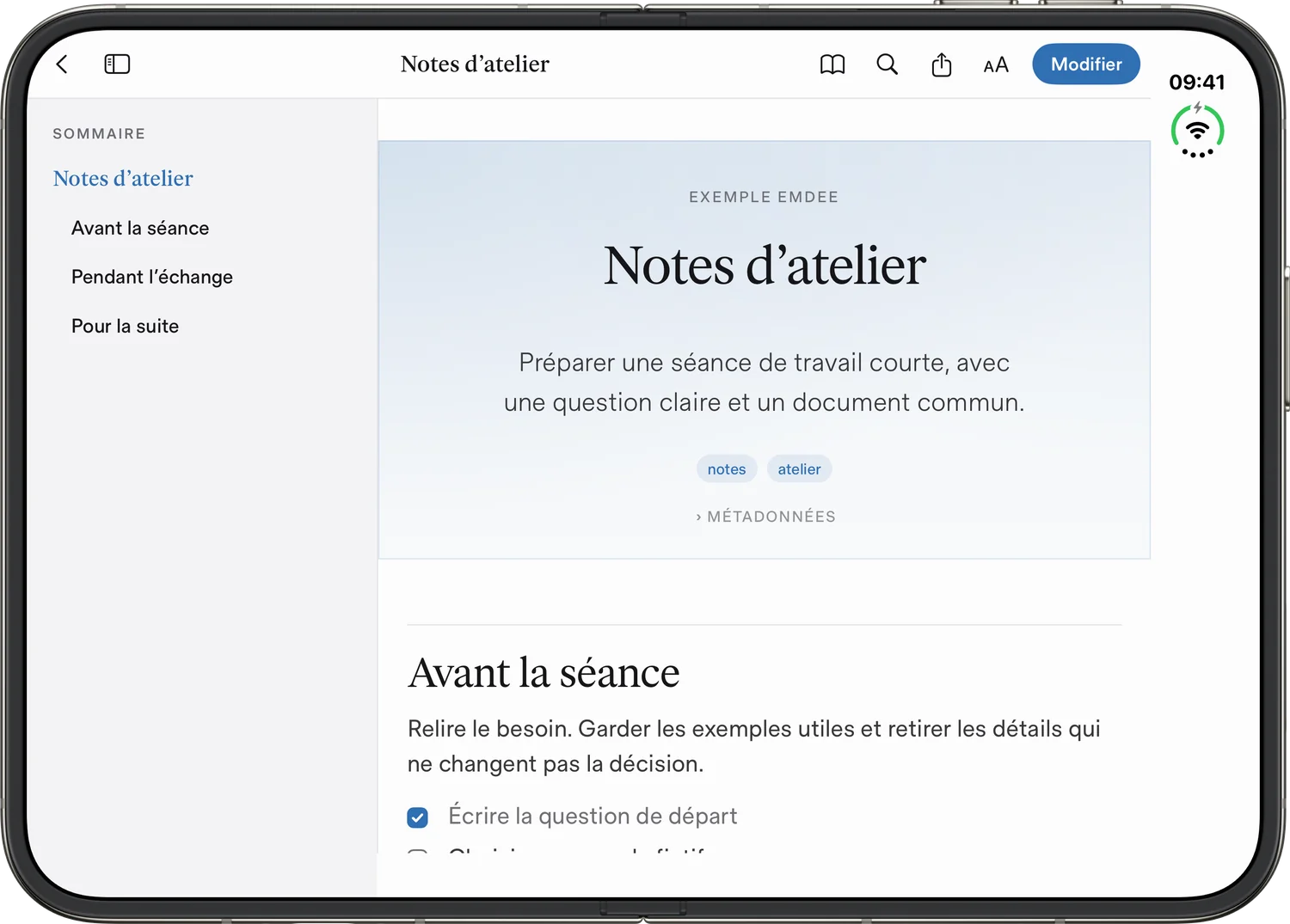
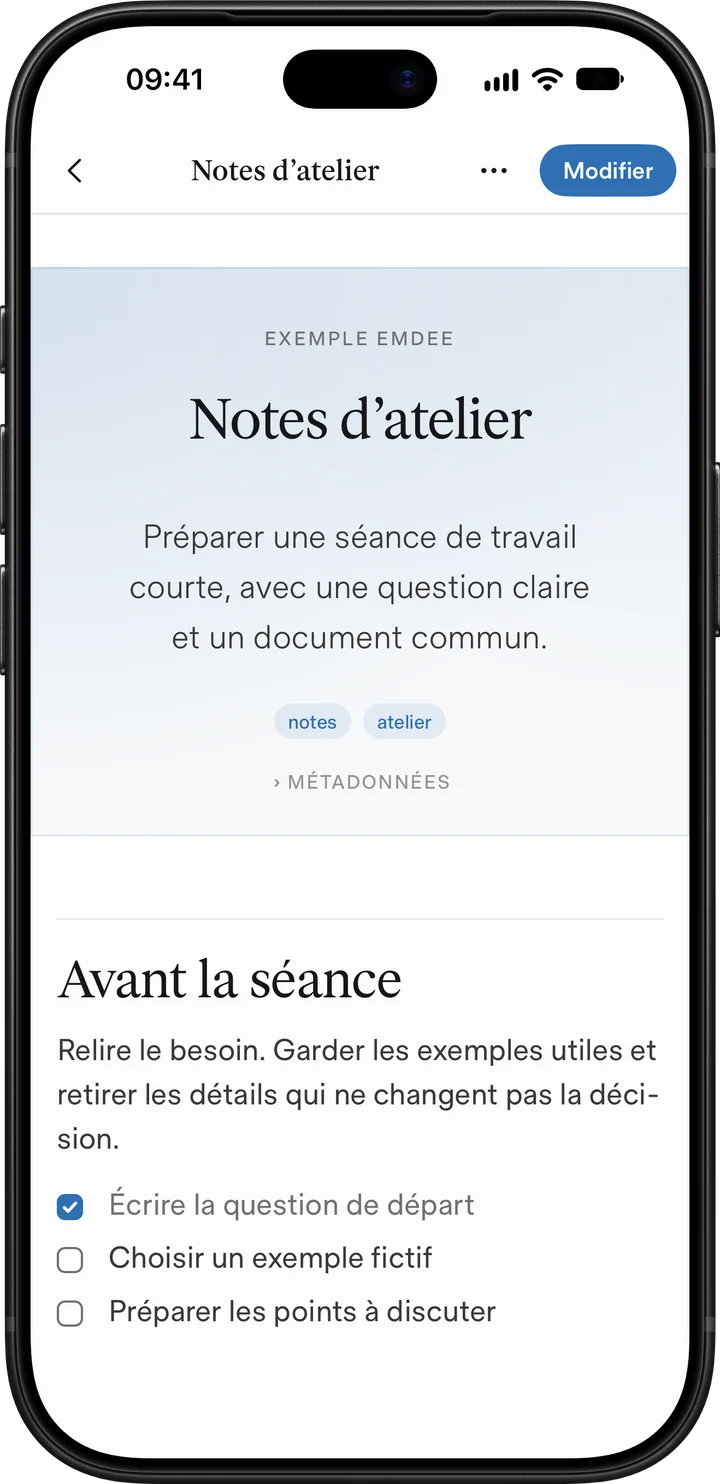
The same .md file, on Mac, iPad and iPhone.
Read it as a page.
Open any .md file: real typography, a table of contents, search, footnotes and sidenotes. Tables, tasks, mathematics and diagrams come out clean.
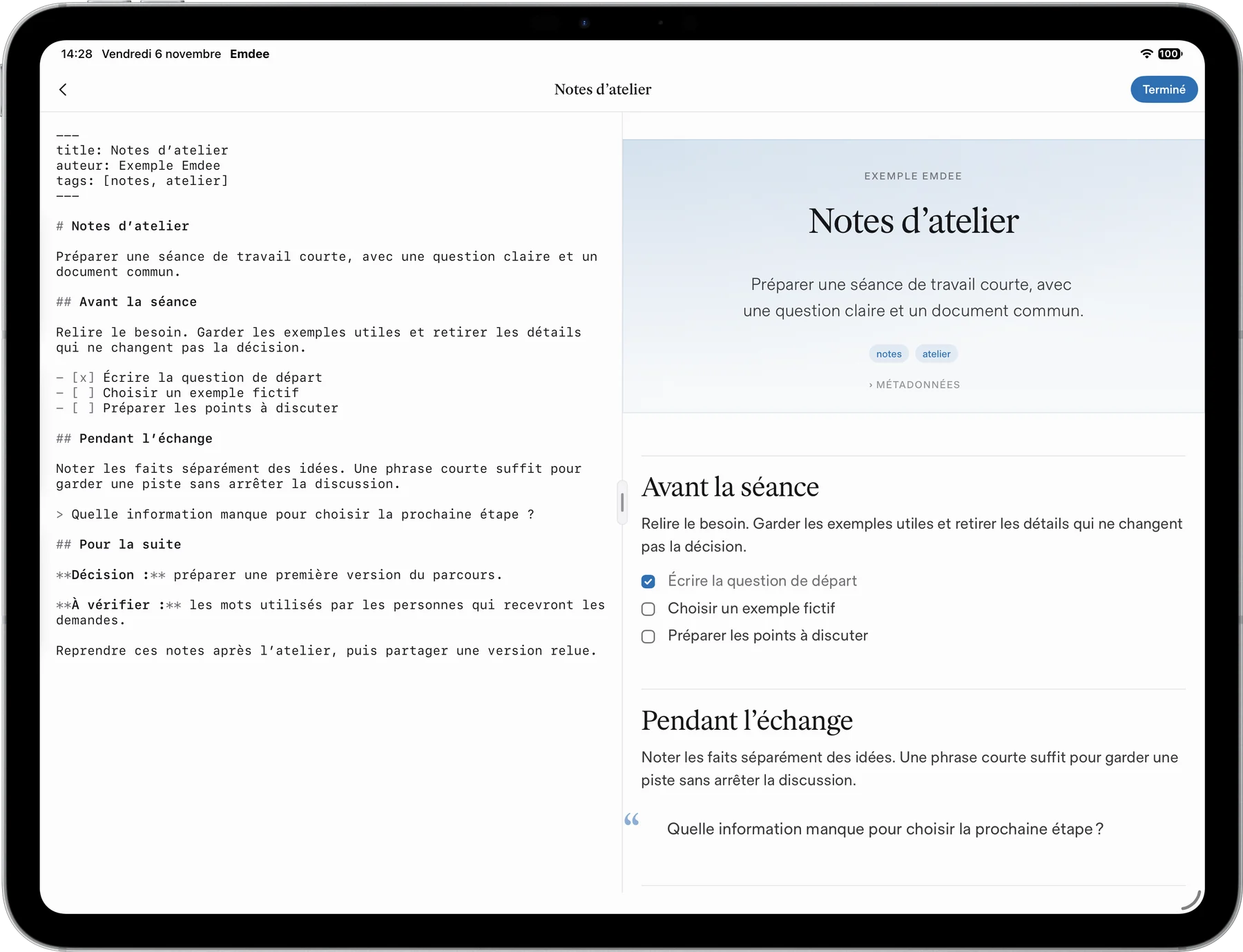
Edit it directly.
Tap Modifier, or press Command-E on Mac: the source on one side, the page on the other. Type in either, and each updates the other. Your files stay plain .md.
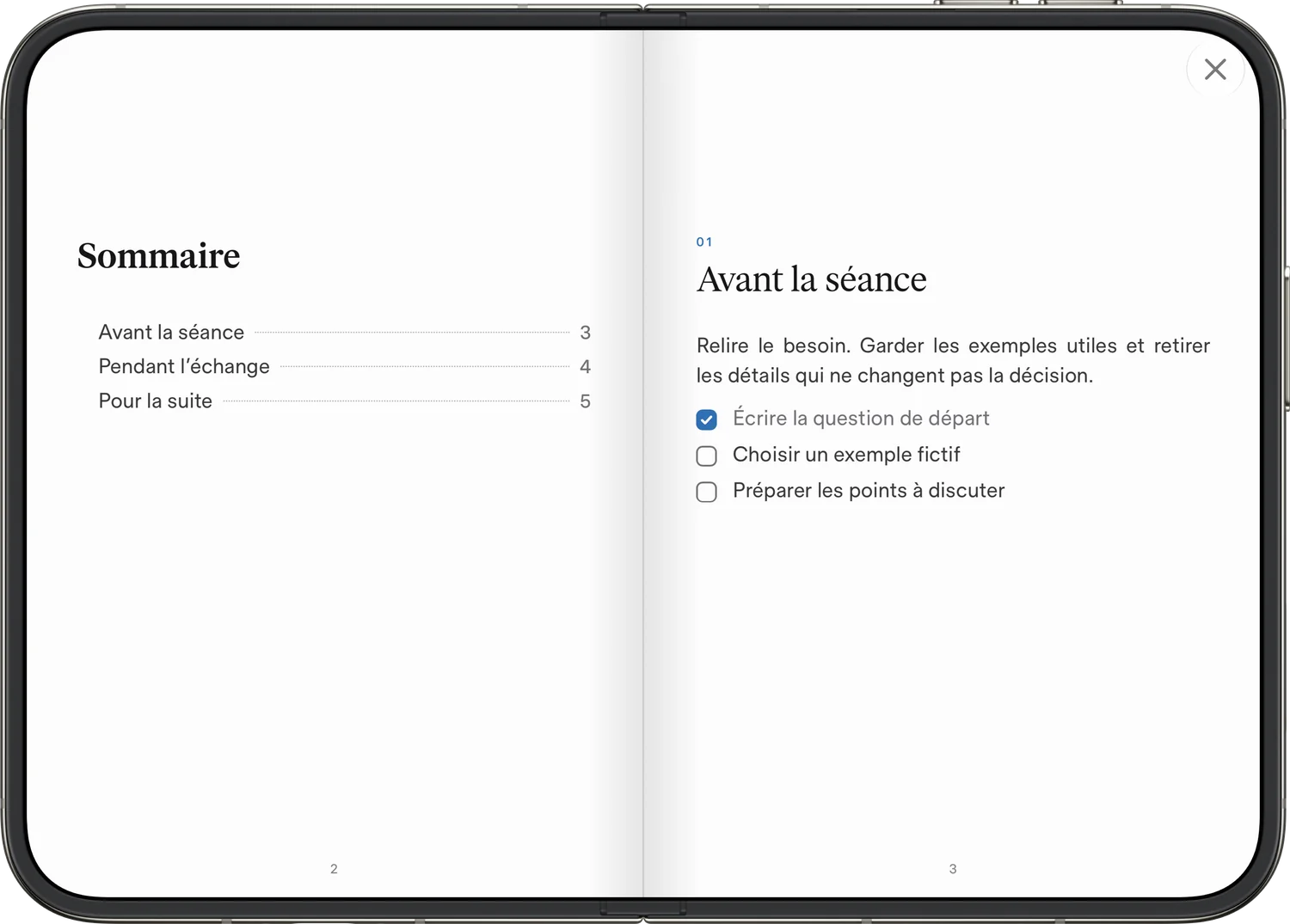
Make it a book.
Book mode sets your document as pages, full screen: a cover, a table of contents, chapter openings, running headers and page numbers. On Mac, export these pages as a PDF book.
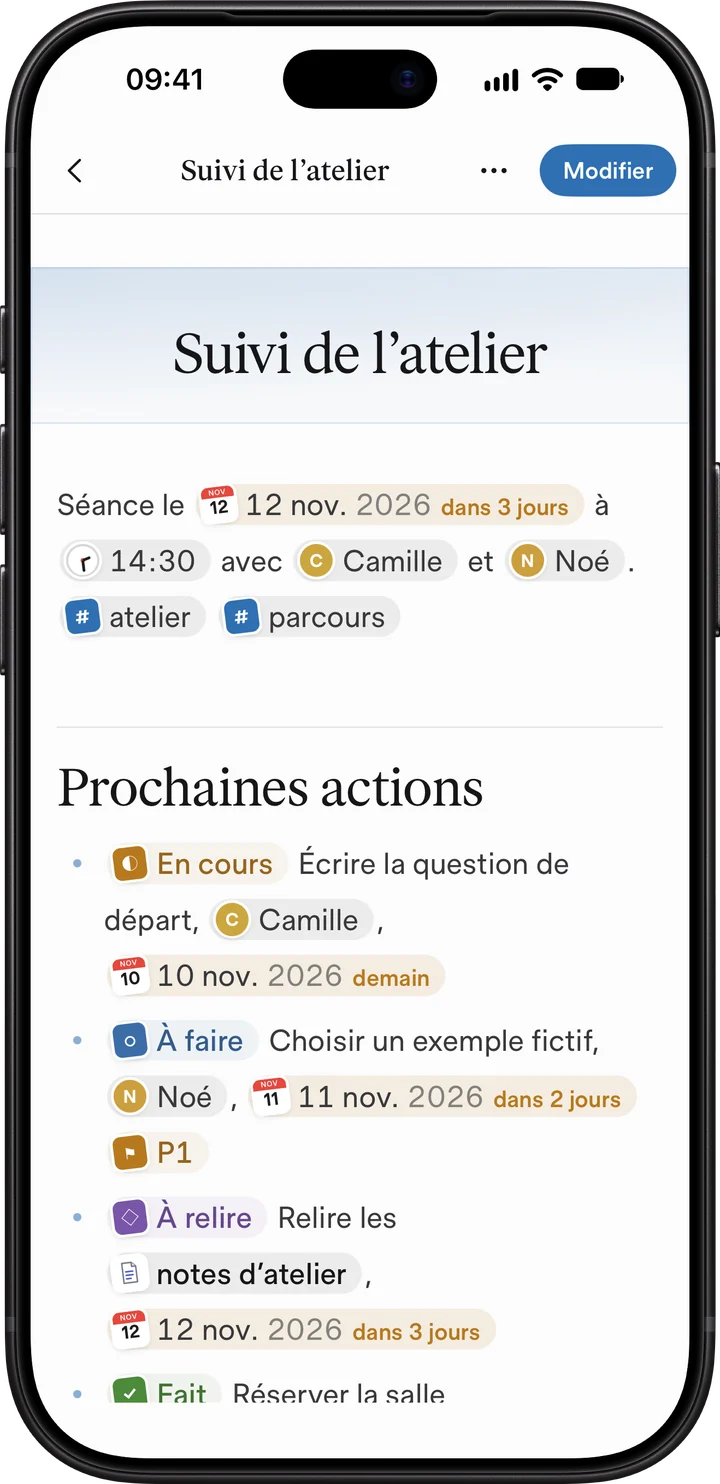
Follow your projects.
Dates, @mentions, #tags, statuses and priorities become chips you read at a glance. Each date tells you how many days are left.
One purchase, all your devices.
Emdee is the same on Mac, iPad and iPhone, and your files follow you.
- PriceOne-time purchase, no subscription.
- DevicesOne purchase for Mac, iPad and iPhone.
- iCloud DriveYour documents, recent files and settings on all your devices.
- PrivacyNo account, no advertising, no third-party analytics.
- CompatibilityMac, macOS 13 or later. iPhone and iPad, iOS 26 or later.
- ExportsPDF, HTML, PNG and EPUB, on Mac.
- LanguageThe interface is in French. Your documents can be in any language.
Emdee
Coming soon to the App Store
One-time purchase, no subscription. One purchase for Mac, iPad and iPhone.